Introduction to cURL
What Is a Server and Why Do We Talk to It?
Before understanding cURL, it is important to know what a server is.
A server is a computer on the internet that stores information or performs tasks for other computers. When you open a website, log in to an app, or check the weather, your device is talking to a server. The server receives your request, processes it, and sends back a response.
For example:
You ask for a webpage
The server sends the webpage back to you
This communication happens all the time, usually behind the scenes.
What Is cURL ?
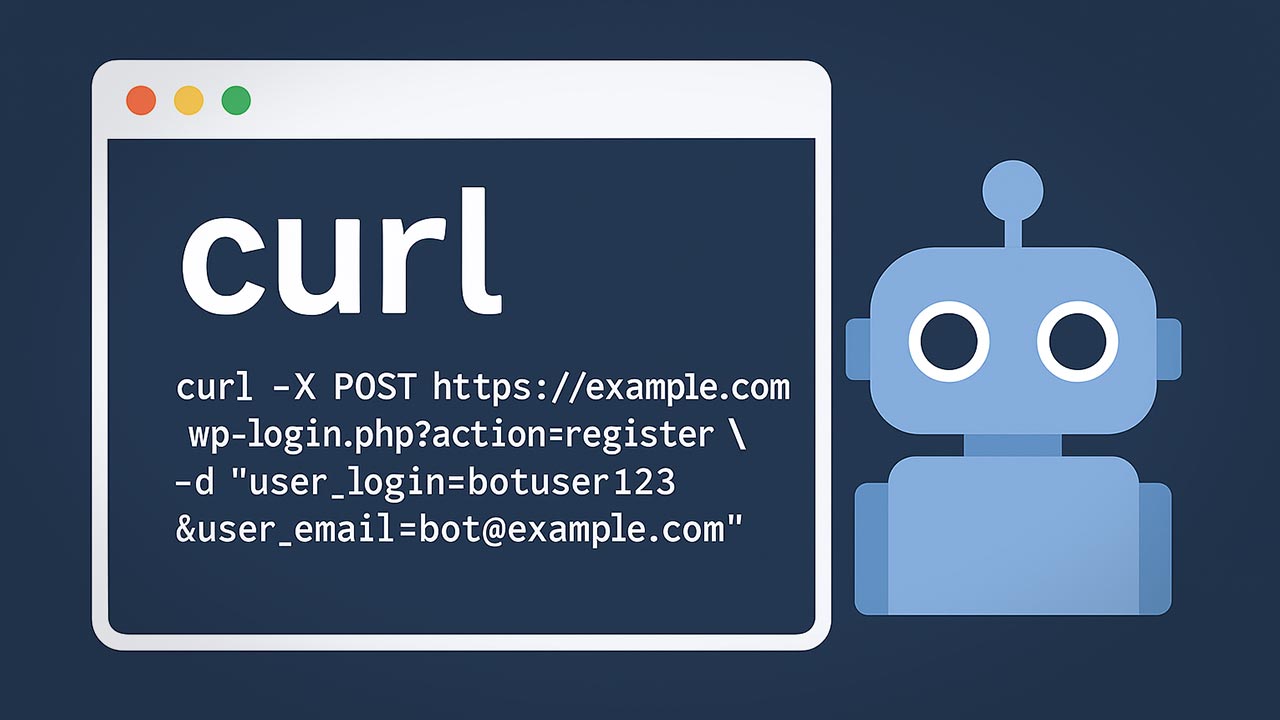
cURL is a tool that helps you send messages to a server.
Instead of using a browser like Chrome or Firefox, cURL lets you talk to a server directly from the terminal (command line). You type a command, send a request, and see the server’s response as text.
In simple terms:
Browser → clicks and buttons
cURL → typed commands
Both are ways to talk to servers.

Why Programmers Need cURL
Programmers use cURL because it is:
Simple and fast
Available on almost every system
Useful for testing servers and APIs
Helpful for learning how the web works
With cURL, programmers can check if a server is working, see what data it sends back, and test requests without building a full application.
Making Your First Request Using cURL
The simplest thing you can do with cURL is fetch a webpage.
Example: curl https://example.com
This command:
Sends a request to the server at
example.comAsks for the webpage
Prints the response in the terminal
This is similar to opening a website in a browser, but instead of seeing a styled page, you see raw text.
Understanding Request and Response

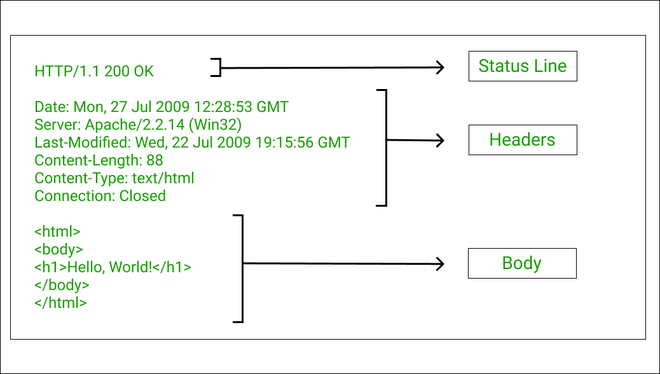
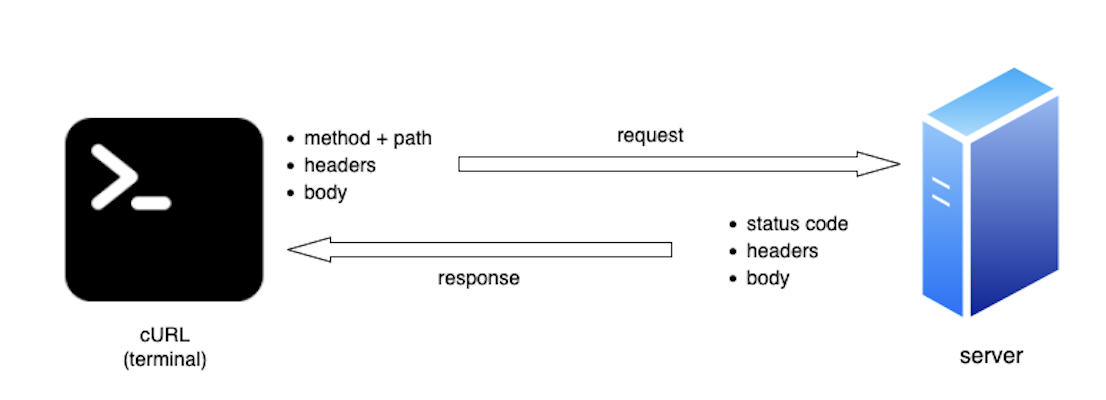
When using cURL, two main things happen:
Request
A request is the message you send to the server.
It usually includes:
Where you are sending the request (the URL)
What you want to do (get data, send data)
Response
A response is what the server sends back.
It usually includes:
A status (for example, success or error)
The data you asked for
If the request is successful, the response will contain the information you requested, such as text, JSON data, or HTML.
Using cURL to Talk to APIs
An API is a server designed to send and receive data, not webpages.
cURL is commonly used to talk to APIs.
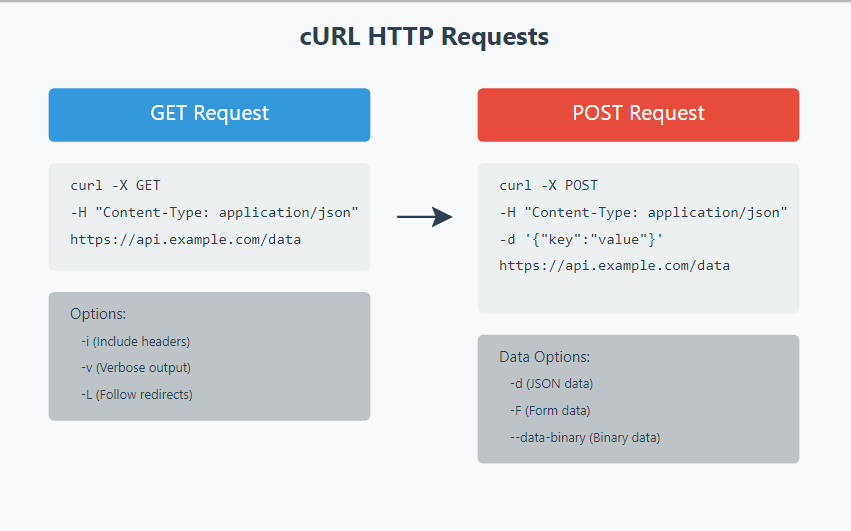
There are two basic request types beginners should know:
GET Request
A GET request asks the server for data.
Example: curl https://api.example.com/users
This asks the server to send back user data.
POST Request
A POST request sends data to the server.
Example: curl -X POST https://api.example.com/users
At this stage, it is enough to understand that:
GET = ask for data
POST = send data
Common Mistakes Beginners Make with cURL
Beginners often face similar problems, such as:
Using too many options before understanding the basics
Forgetting that URLs must be correct
Expecting browser-style output in the terminal
Being confused by error messages
These mistakes are normal and part of the learning process.
Final Suggestions for Learning cURL
Start with simple GET requests
Use cURL to fetch webpages first
Focus on understanding requests and responses
Avoid complex flags until you are comfortable
Once the basics are clear, learning more advanced features will feel much easier.
Conclusion (Key Points)
cURL allows you to communicate directly with servers from the terminal
It helps beginners understand how the web works behind the scenes
Starting with simple commands builds confidence and clarity
Understanding requests and responses is more important than learning many options
GET and POST requests are enough to begin working with APIs
Mistakes are normal and part of the learning process
With regular practice, cURL becomes an essential and reliable tool for programmers
I hope you found this article helpful. If you have any questions or feedback, please feel free to leave a comment below. If you found this article valuable, please like and share it.


